PyGamer
An Adafruit PyGamer I reprogrammed in CircuitPython: a climbing game, a USB gamepad that steers racing games by tilt or joystick, and NeoPixels lit from a 24 KB loudness track.
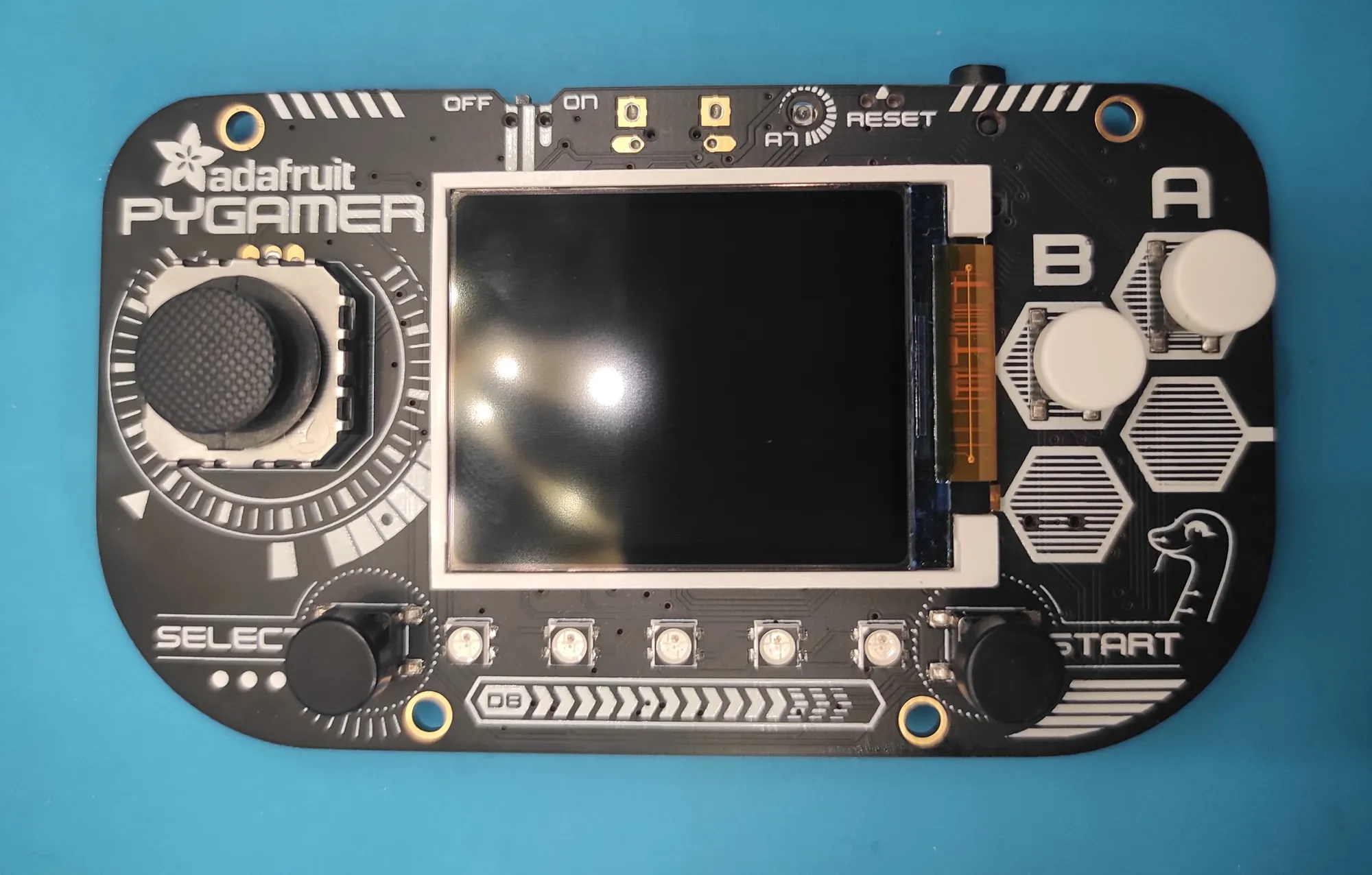
| Board | Adafruit PyGamer, ATSAMD51J19 at 120 MHz, 160×128 screen |
| Firmware | CircuitPython 8.0.5 in 2023, 9.2.0 beta since October 2024 |
| Game | Ballin', an endless climber, 30 fps target, record kept in the chip's NVM |
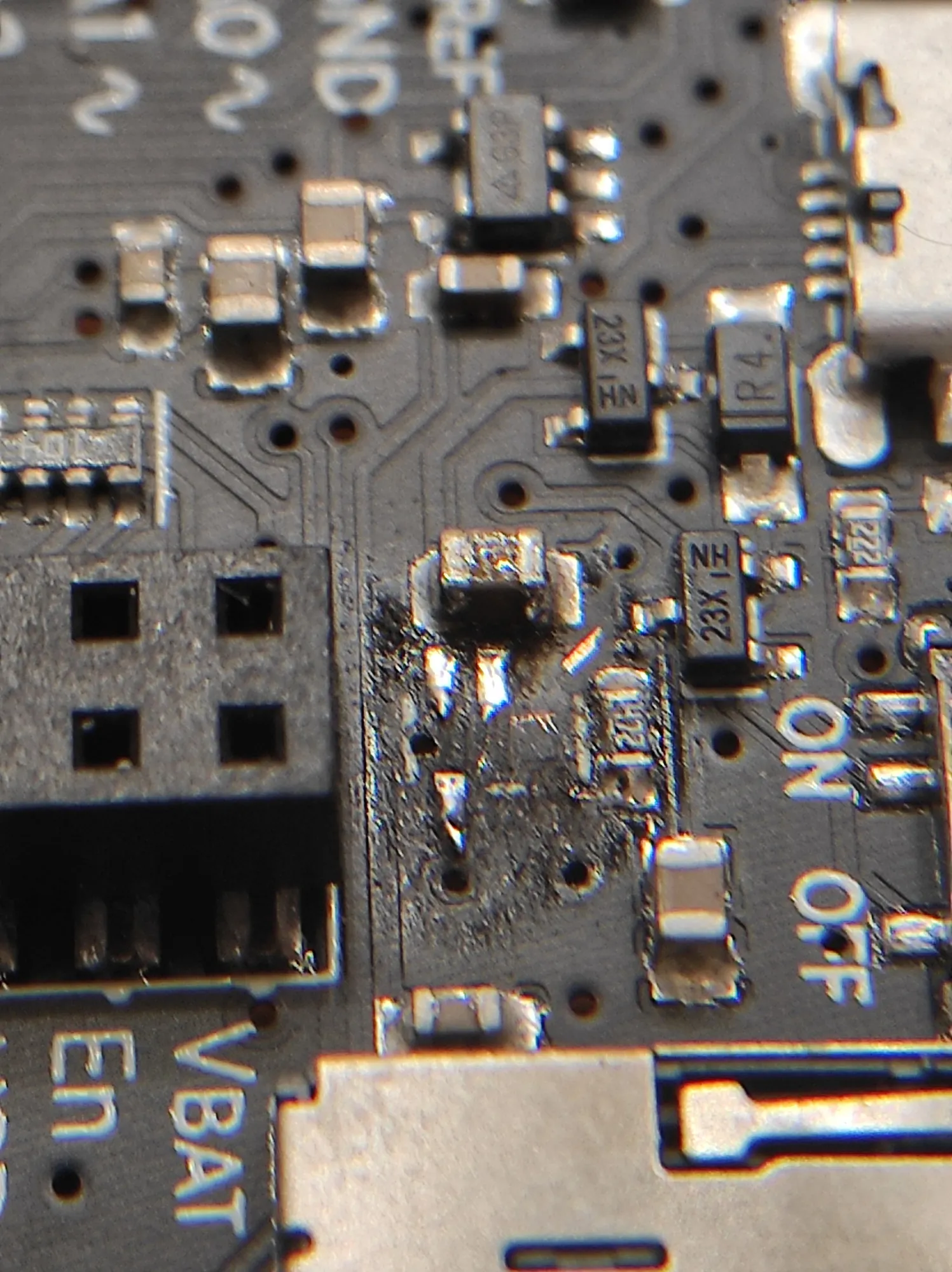
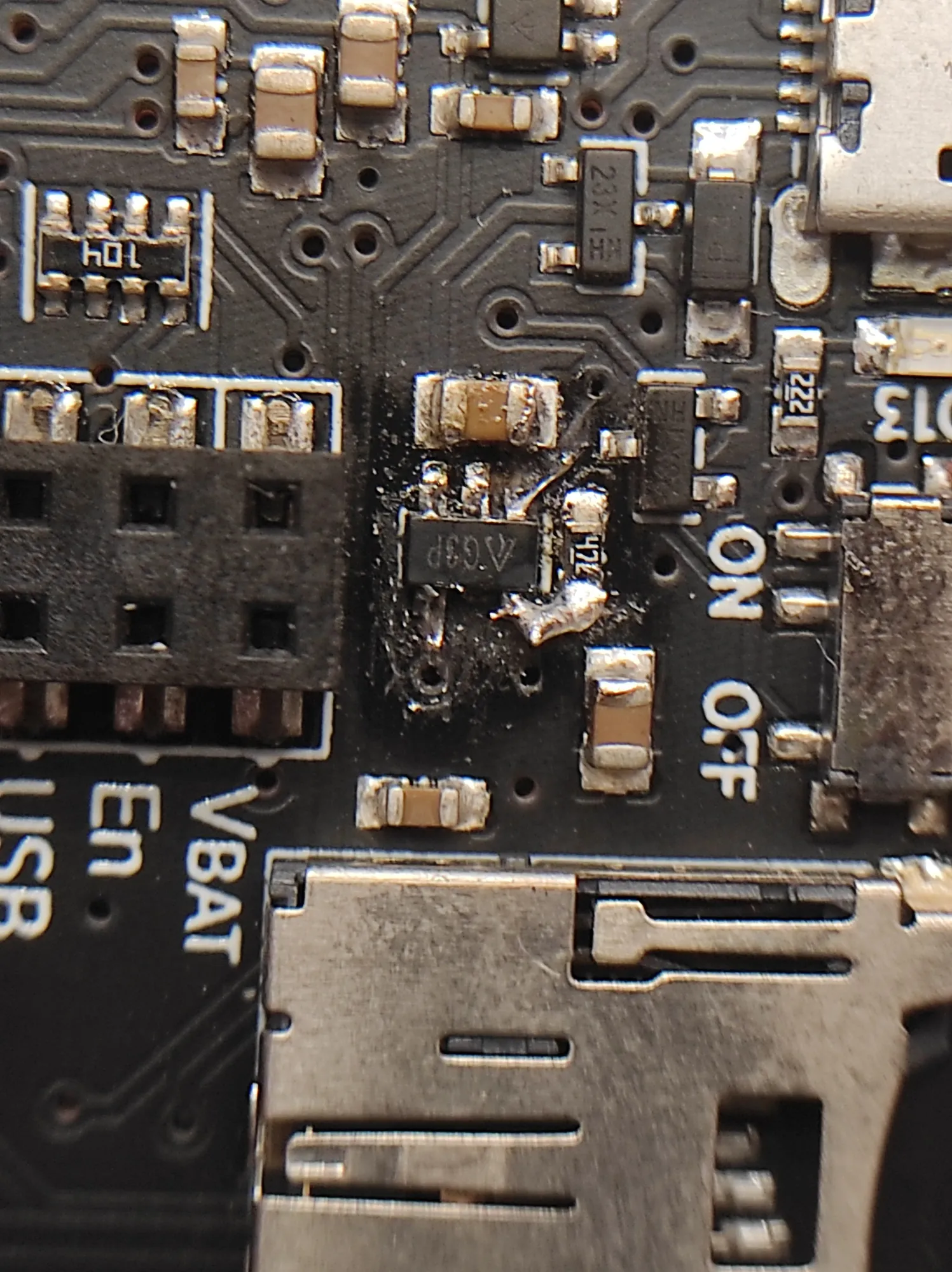
| Repair | LiPo charger (MCP73831) burnt in October 2024, a 3.3 V regulator soldered into its footprint by hand; runs from USB |
| Boot | 10 s choice between USB gamepad and program menu |
| Gamepad | USB HID, joystick X/Y plus calibrated tilt as a third axis |
| Colour music | 3,678 loudness values for a 171 s song, computed on the PC; 0.985 clock correction |
The PyGamer is Adafruit’s handheld development board: an ATSAMD51 microcontroller with a 160×128 screen, joystick, accelerometer, light sensor, five NeoPixels and a speaker. I wrote its software in CircuitPython. At power-on it offers two modes: a USB gamepad that steers PC racing games by tilt or joystick, or a menu of my own programs, among them an endless climbing game and a light show that follows a song from a 24 KB loudness track computed on the PC.
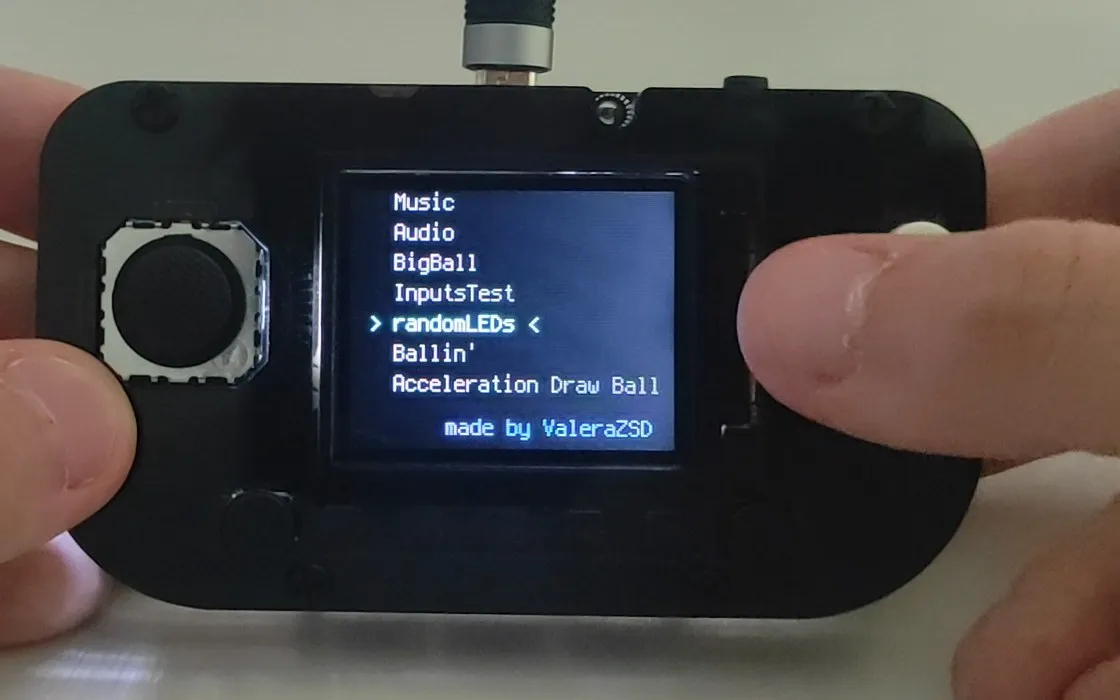
The menu and Ballin’, autumn 2024
In May 2023 I had the board rolling a ball across the screen as it tilted. In late
September 2024 I came back to it with a menu that lists every program in
/programs and launches the one picked; every program returns to it on Select.
The largest of them is Ballin’, which began on the PC, written in pygame at
2560×1440, before I ported it to the board.
Ballin’ is an endless climber: a ball jumping up a column of platforms. One platform is generated for every 20 px climbed; half of them are 1 px thick, the rest 4 to 8 px, and their horizontal spread widens by a pixel for every 100 px of height. The ball passes up through thin platforms, while thick ones knock it back down with a tone. Falling a full screen below the best height ends the run. Every 200 px the palette changes and the NeoPixels take the ball’s colour, scaled by the light sensor’s reading. The screen refreshes once per frame against a 30 fps target, and the game’s own counter reads 16 to 30 fps in my videos.
Storing the high score took three attempts. The first wrote it to a file, which
only works if boot.py remounts the drive read-write, and then the PC cannot save
code to the board. A “playing or programming” choice at boot came next. By
3 October 2024 the record lived as JSON in the microcontroller’s non-volatile
memory (microcontroller.nvm), which needs no remount at all.
A burnt charger, October 2024
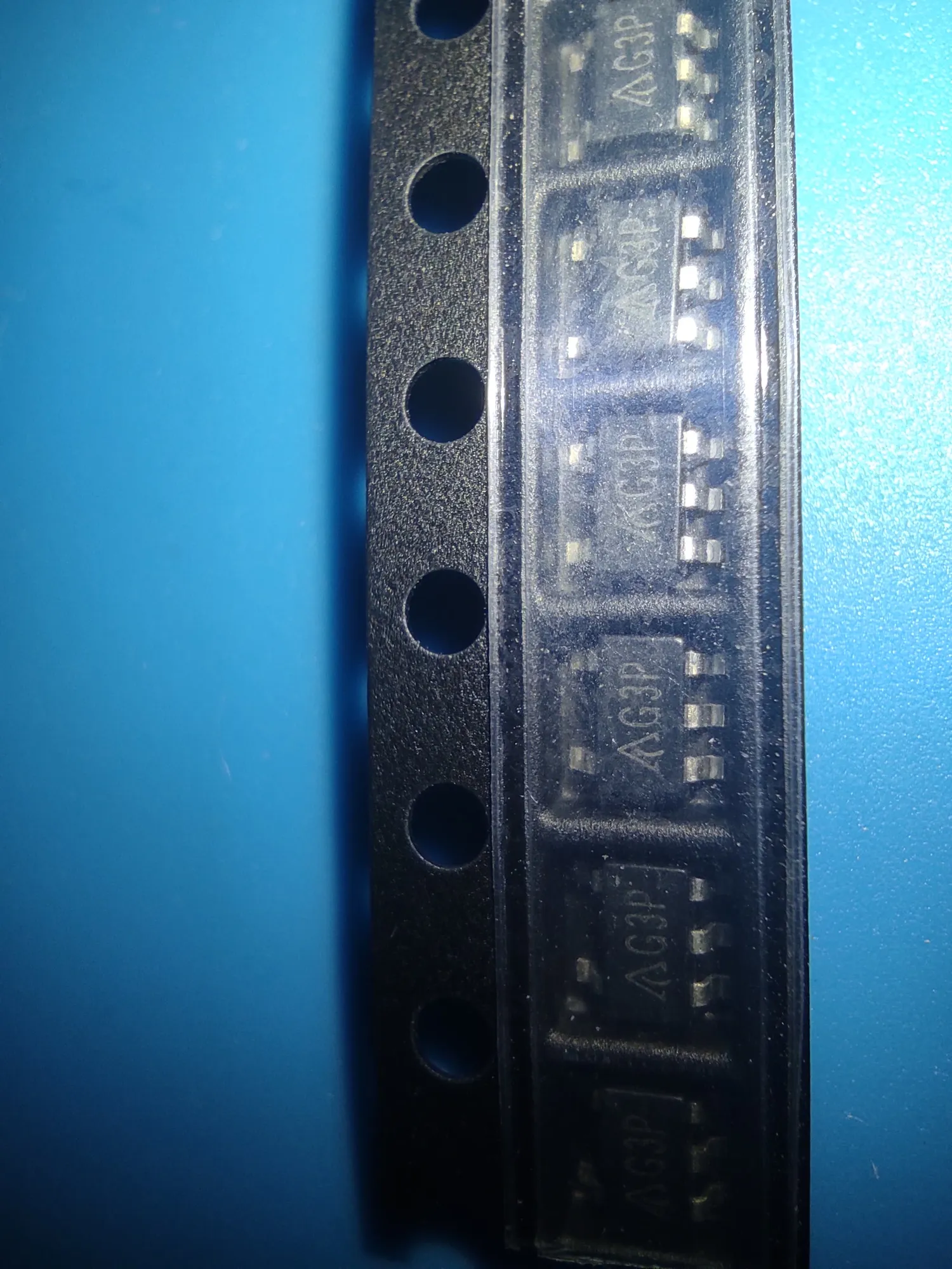
By 4 October 2024 the part next to the power switch had burnt out: U3 on Adafruit’s schematic, the MCP73831 that charges the LiPo, in a five-pin SOT-23 package. On 16 October I removed it and soldered a part in the same package, marked G3P, into its footprint by hand, with a thin wire in place of a pad that had burnt with the chip. G3P is the marking of the AP2112K-3.3, a 3.3 V regulator rather than a charger. By 31 October the board booted and ran the menu and the game again: USB power reaches the board’s own 3.3 V regulator through a diode and the power switch, never through the charger. Charging the LiPo has not worked reliably since, so the board runs on USB power.
Gamepad mode and tilt steering, May 2025
By 17 May 2025 Ballin’ could be steered by tilt as well: Start toggles it between
the joystick and the accelerometer. On 18 May I gave the board a second mode.
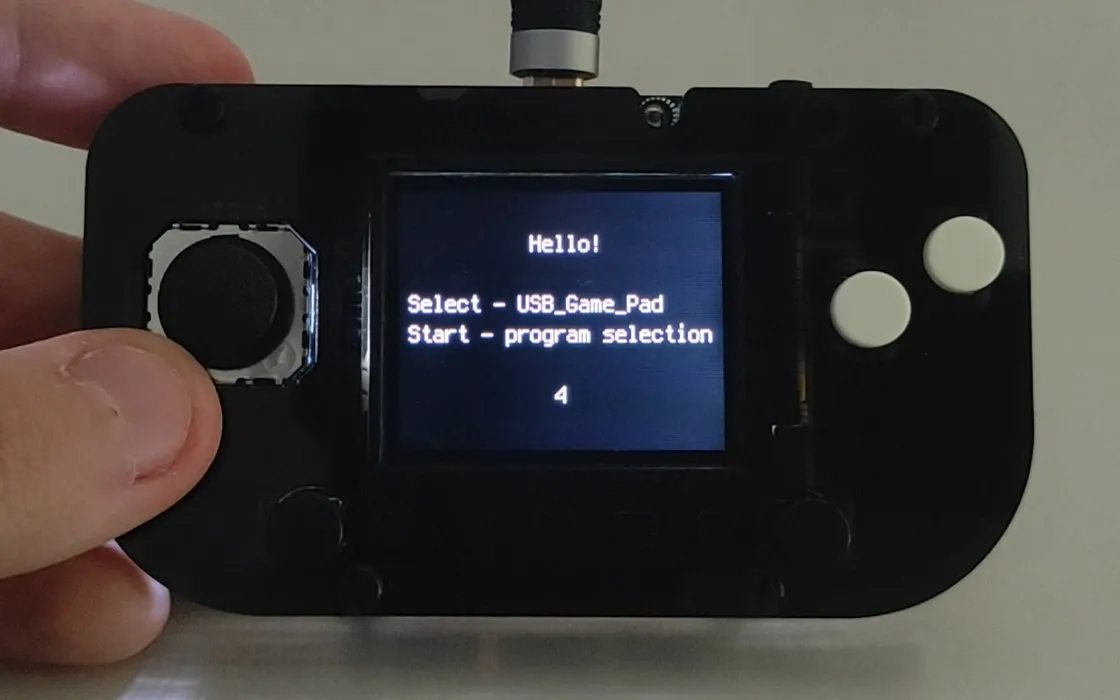
boot.py now shows a 10-second countdown while the D13 LED blinks. Select turns
the board into a gamepad: the file system goes read-only, the CIRCUITPY drive is
hidden from the PC, a USB HID gamepad device is registered, and the next file to
run is the gamepad program. Start, or no button at all, opens the menu.
The gamepad uses Adafruit’s HID gamepad library and its example report descriptor (16 buttons, four signed 8-bit axes); the program that feeds it is mine. It asks for the board to be held upright and still, averages 20 accelerometer readings to find the resting tilt, then reports in a loop that sleeps 10 ms: joystick X and Y with a 5% deadzone, the tilt away from the calibrated centre as the Z axis, and the four buttons as buttons 1 to 4. Joystick and tilt arrive together on separate axes, so a game’s own control settings decide which of them steers and what each button does. I used it as a steering wheel for Need for Speed: Most Wanted (2012); the video is cut from a session filmed on 18 May.
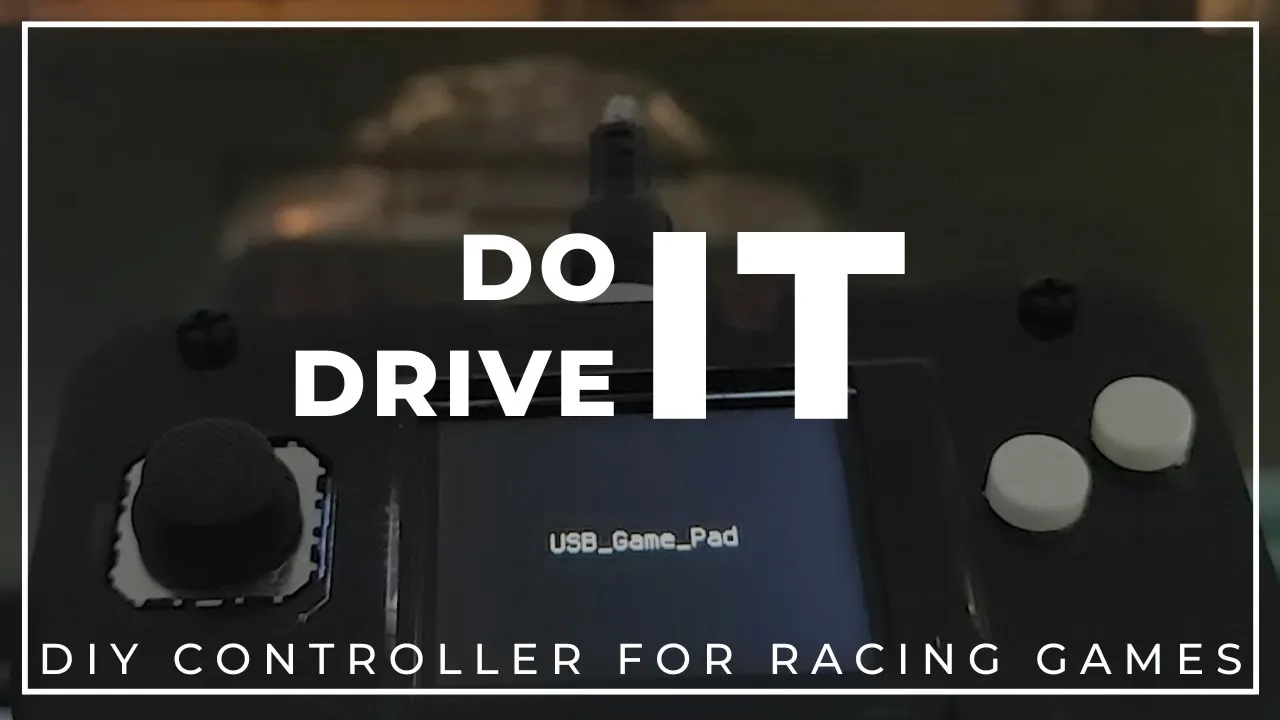 Driving Need for Speed: Most Wanted with it
Colour music, 18 May 2025
A script on the PC reads the song (mono, 16-bit, 11,025 Hz), takes the RMS loudness of every 512-sample chunk and writes one integer per line: 3,678 values, one per 46 ms, 24 KB against 3.8 MB for the WAV itself. The board streams the WAV from flash through a mixer to the speaker, looks up the value for the elapsed time and turns it into a brightness between 0 and 1. On every pass of the loop, each of the five NeoPixels rolls again: it lights with a probability equal to that brightness, in a new random colour dimmed by the same brightness. Quiet passages leave the row mostly dark and dim; loud ones fill it and burn bright.
The elapsed time comes from time.monotonic() scaled by 0.985. On this board that
clock runs about 1.7% fast, while the audio plays the 170.8 s file in real time:
in the video of this run, the program has counted 86.7 s at the 50% mark, after
85.2 s of playback. Without the factor the lights would end about 3 s ahead of the
music; with it they stay within half a second.
Two days later, on 20 May 2025, the PyGamer got a minute in my build showcase video.
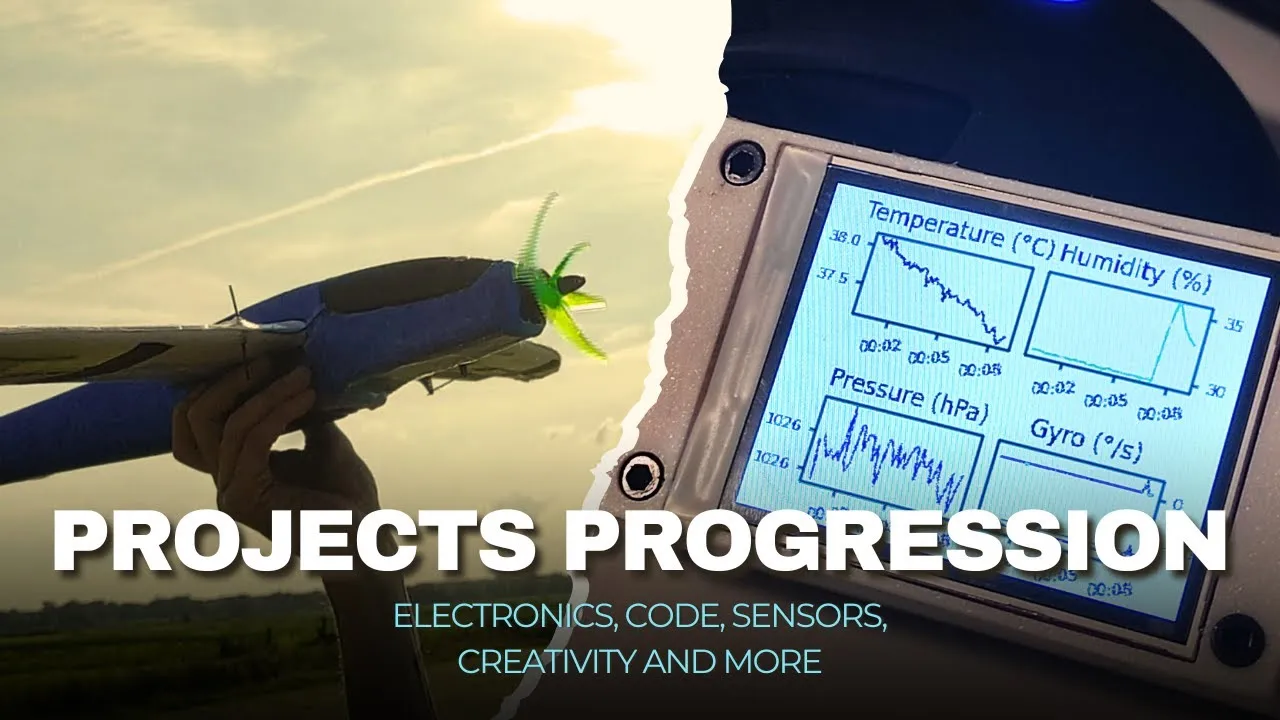 The PyGamer's minute in my 2025 build video